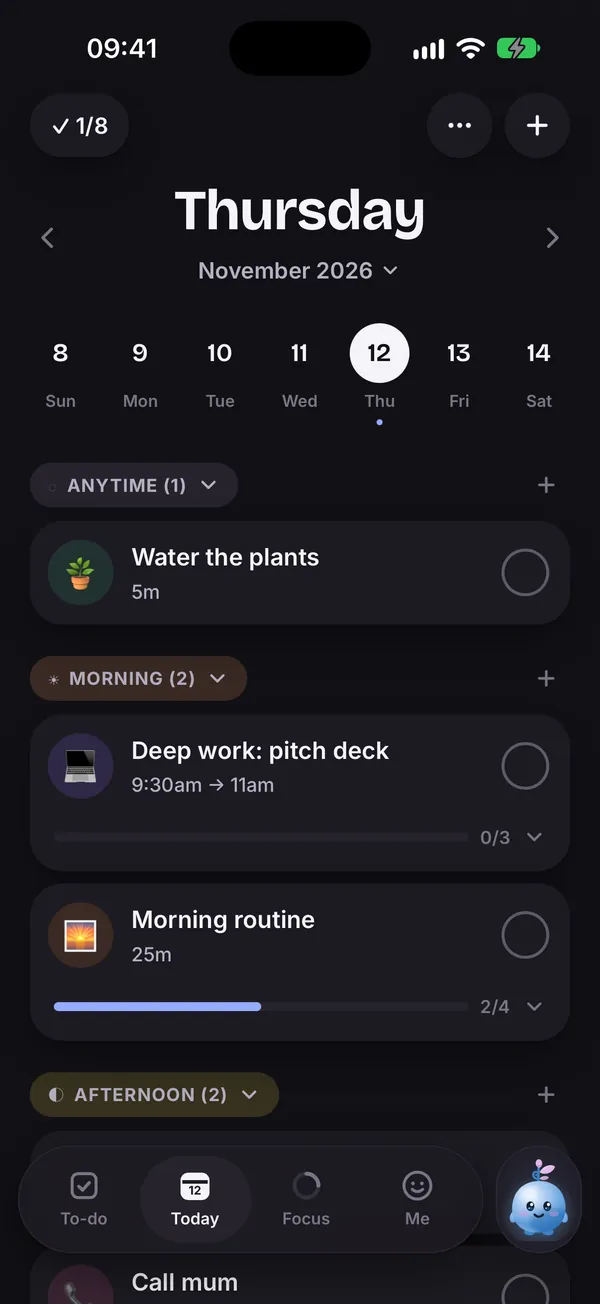
See your whole day at a glance
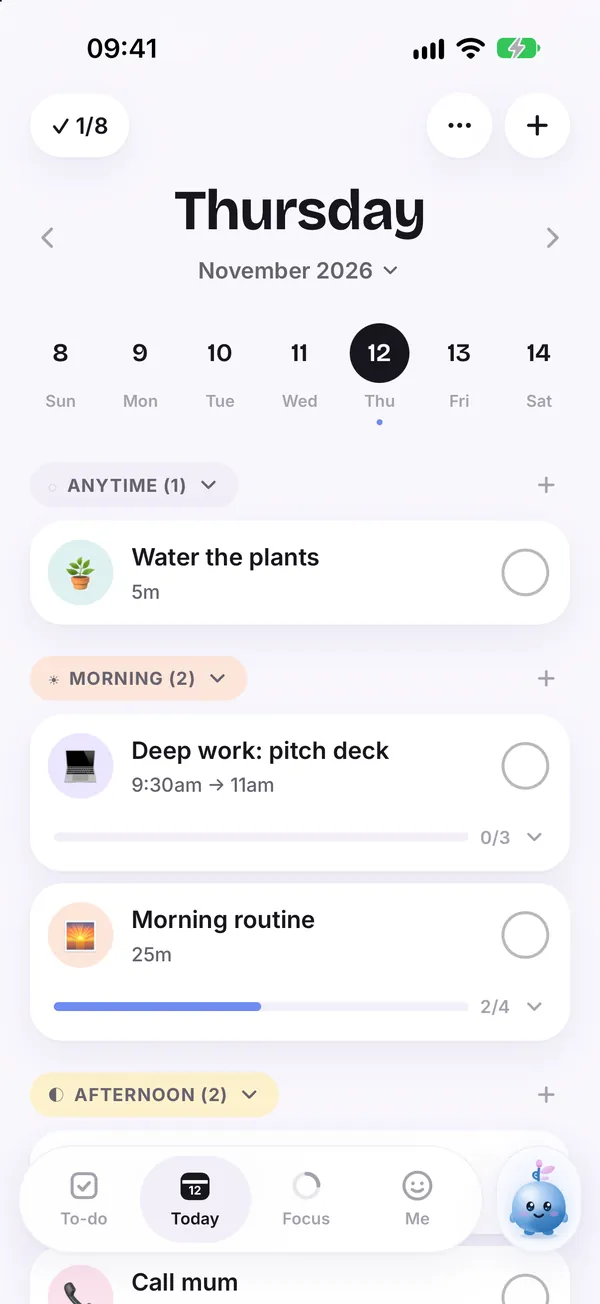
Every task has a home in the part of the day it belongs to. Unfinished ones roll forward quietly. Light or dark, it stays easy on the eyes.
 Daily planner for iPhone, free to start
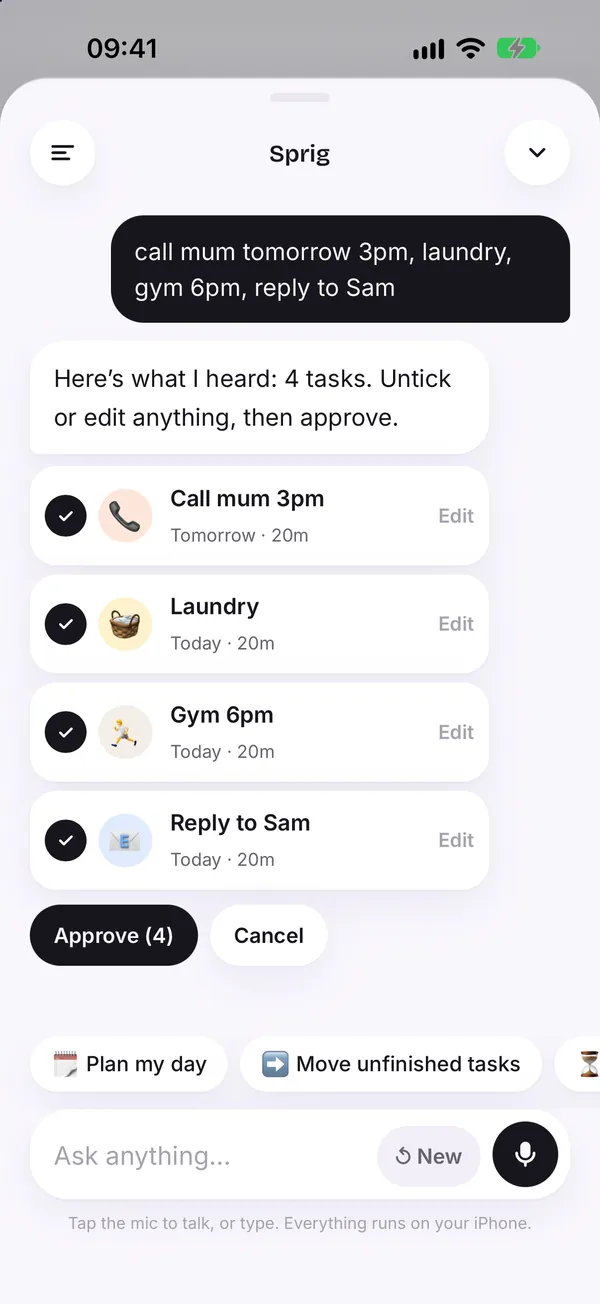
Empty your head into Taskling. Sprig sorts the mess into a calm, visual day and turns big jobs into steps you can actually start.
No red badges. No guilt. Just what is next.

Your tasks live in Morning, Afternoon, Evening or Anytime, the way you already think about them.
Every task has a home in the part of the day it belongs to. Unfinished ones roll forward quietly. Light or dark, it stays easy on the eyes.
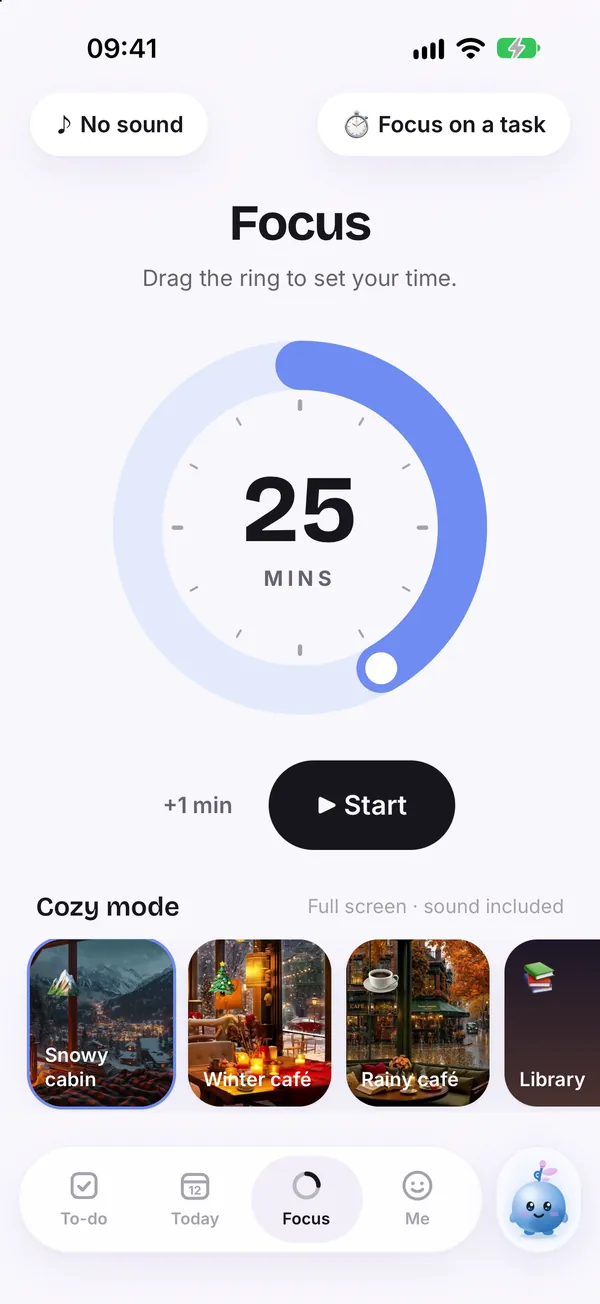
Drag the ring to set your time, pick a task, then settle into a snowy cabin, a rainy café or a library, sound included.
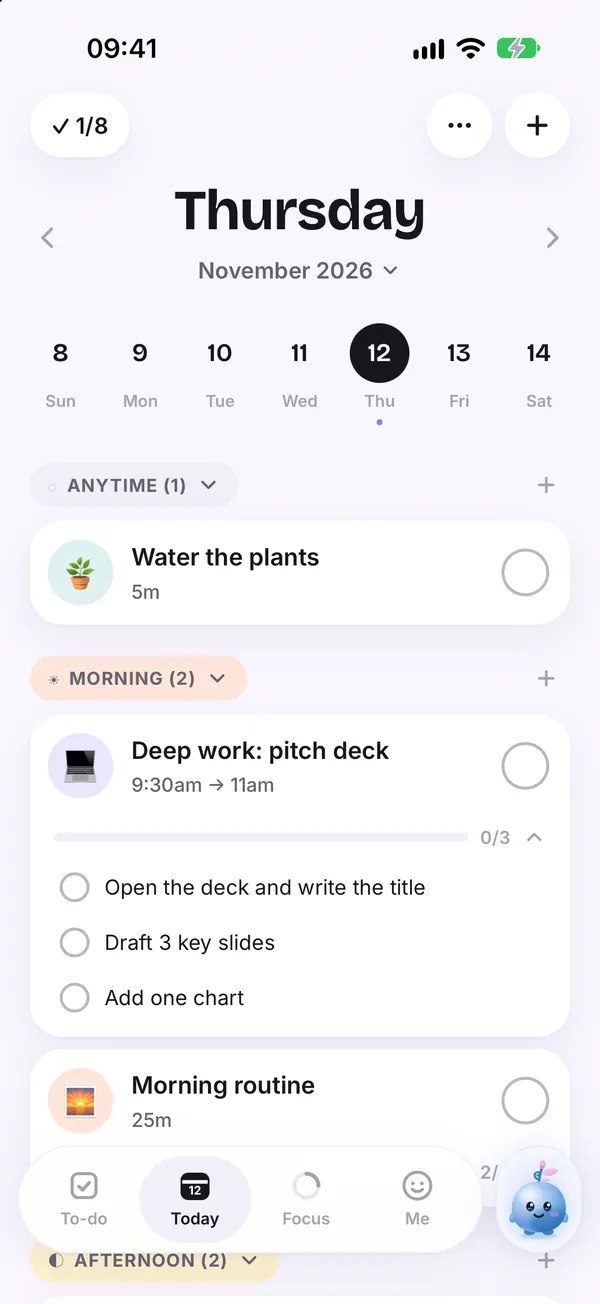
Open any task and break it into steps you can tick off one by one.
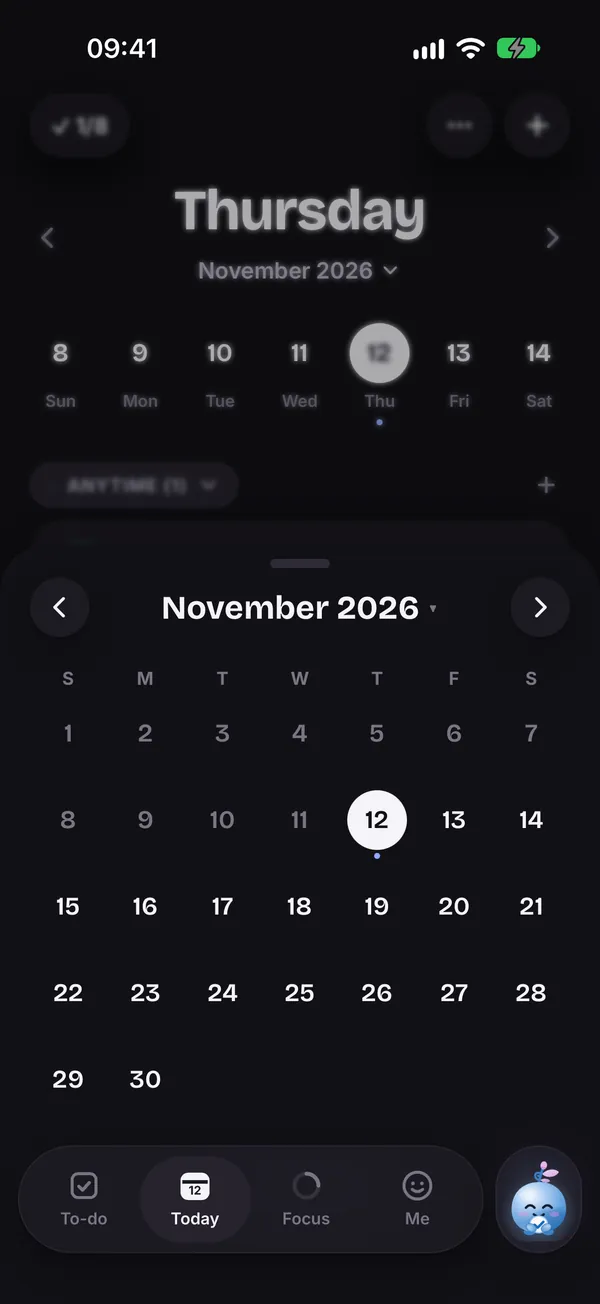
Flip from today to the whole month when you need the bigger picture.
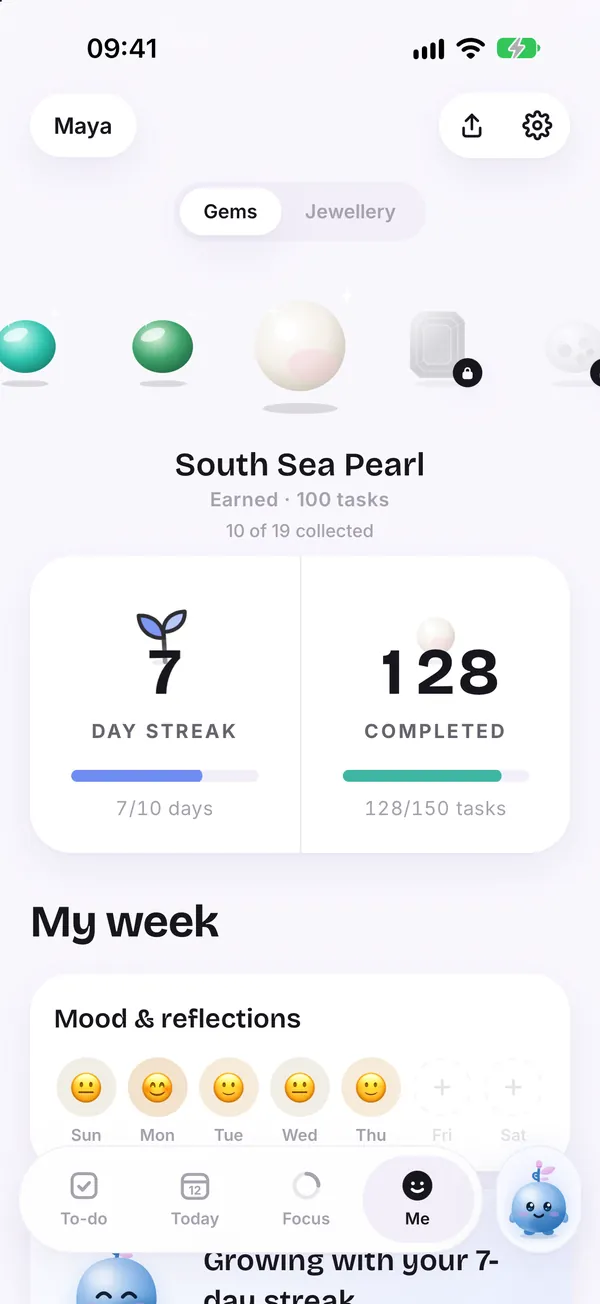
Confetti, streaks, badges and gems to collect as finished tasks add up.
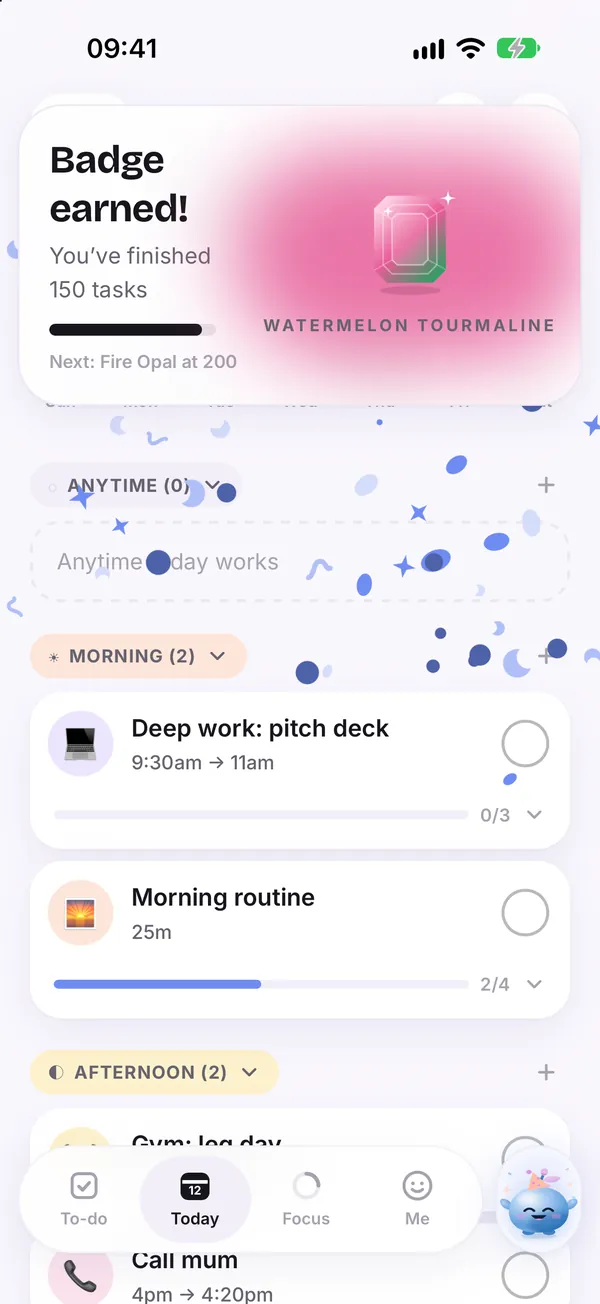
Start from built in morning, evening and wind down routines. Get a nudge before a task, as it starts or when it ends, and bring in your Apple Reminders and calendars.
Colour themes, alternate app icons, mood check ins and the OpenDyslexic font. Tap a colour to restyle Sprig.
No angry counters telling you how far behind you are. Just what is next.
What you did not get to today moves forward on its own. Tomorrow starts clean.
Write your thoughts the way they come. Sprig turns them into a plan you approve in a few taps.
Everything you need to plan today.
Unlocks everything beyond Today. The yearly plan starts with a 7 day free trial.
Your local price is shown in the App Store.
Try Plus free for 7 daysDaily planning on the Today screen is free. Taskling Plus unlocks the rest of the app, and the yearly plan starts with a 7 day free trial.
No. Taskling is for anyone who finds ordinary planners overwhelming, whether you have ADHD, are autistic, or are simply busy. It is a planning tool, not a medical product.
Both are visual planners. Taskling is built around Sprig, who turns a typed or spoken brain dump into tasks you approve, and around a no guilt day split into Morning, Afternoon, Evening and Anytime. Tiimo runs on more platforms, including Android and the web. Read the full comparison.
Yes. You can plan without a connection, and Sign in with Apple keeps your plan in sync when you are back online.
Taskling is made for iPhone and needs iOS 17 or later.
English, Arabic, Dutch, Finnish, French, German, Italian, Norwegian, Polish, Portuguese, Spanish and Swedish.
Download Taskling, empty your head, and let Sprig hand you one thing to start with.
Download on the App Store